
Bring assets together
Import the SVGs, PNGs, icons, logos, and identity files you use repeatedly.
Icona brings SVGs, PNGs, app icons, logos, and reusable brand files into one focused visual library—so the right asset is always easy to find and ready to use.
 IconaVisual asset library
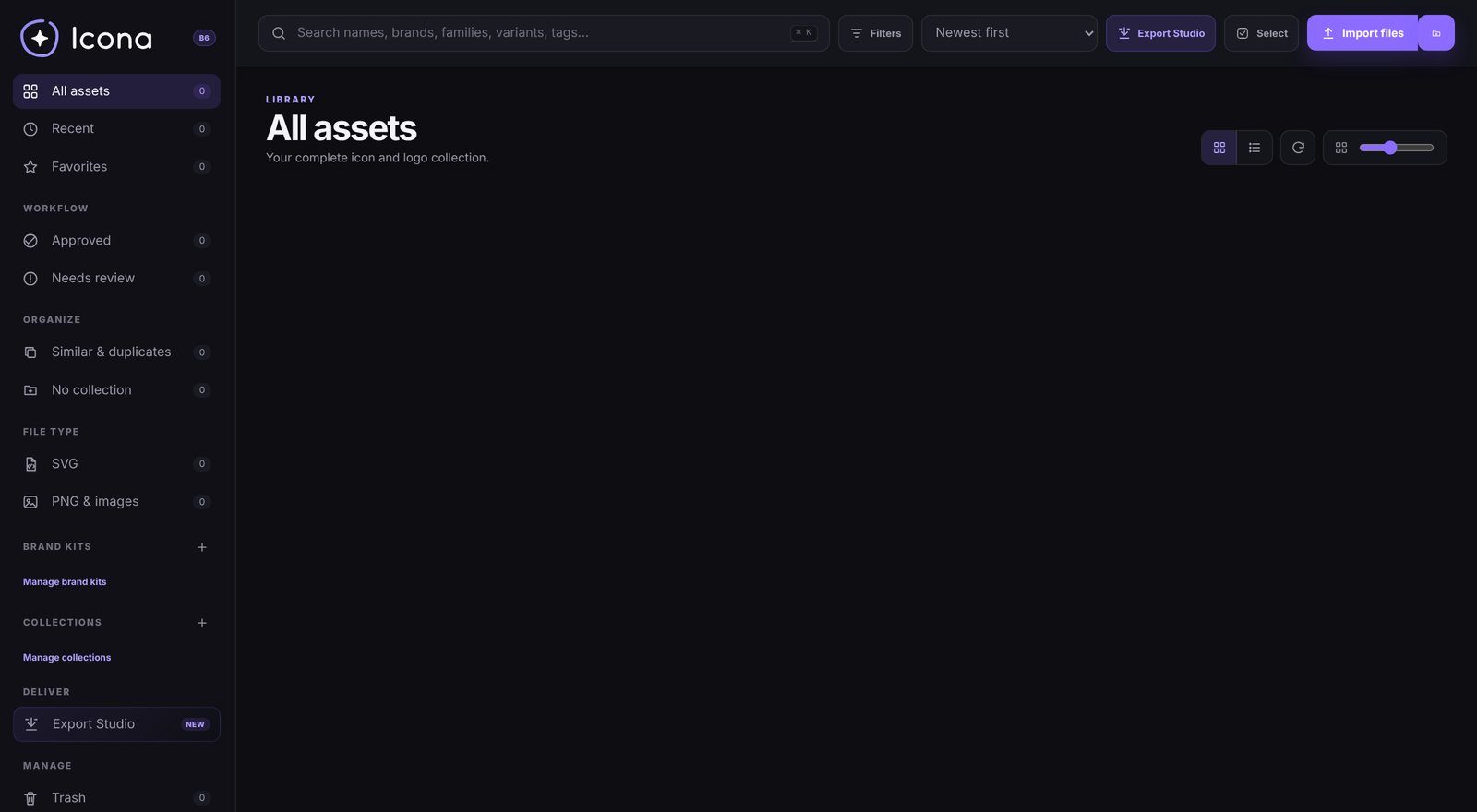
The problem Icona solves
Visual files tend to spread across project folders, desktop downloads, client archives, and old export directories. Icona gives them a dedicated home built around how designers actually search, compare, organize, and reuse assets.
Import the SVGs, PNGs, icons, logos, and identity files you use repeatedly.
Use collections, favorites, brand kits, tags, and review states instead of relying on filenames alone.
Search, inspect, copy, and export the right version without interrupting your creative flow.
Meet the interface
The interface is designed around a clear sidebar, a visual workspace, fast search, flexible filters, and the tools needed to inspect and reuse each asset.
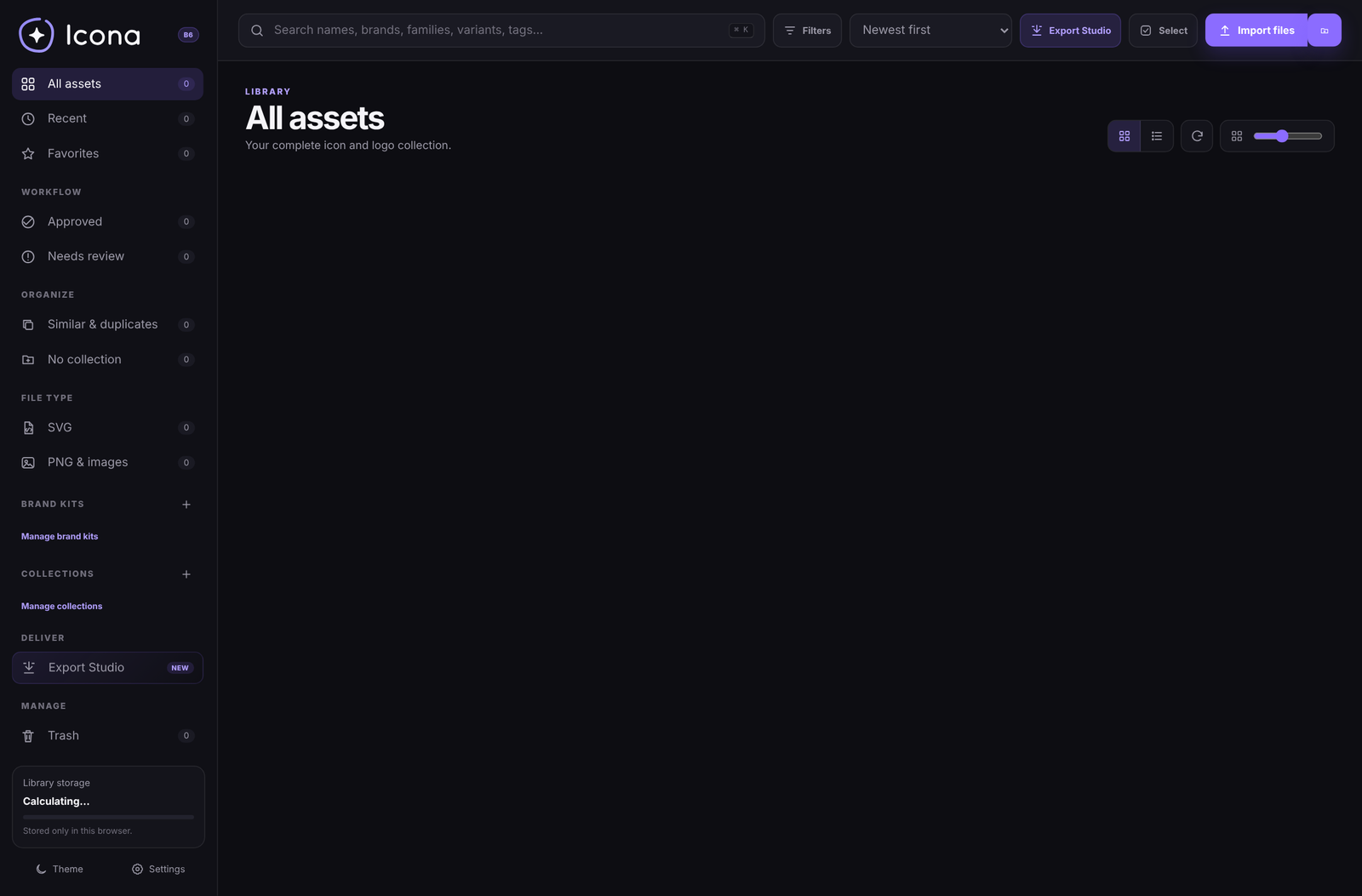
Move between all assets, recent files, favorites, workflow states, collections, and brand kits.
Find files by name, brand, family, variant, tag, format, and useful metadata.
Prepare reusable asset packages and exports from a dedicated delivery workspace.
What is being built
Search names, brands, families, variants, tags, and notes, then narrow the library by format, workflow state, collection, or recency.
Create collections for clients, products, campaigns, identities, or any system that matches your workflow.
Connect symbols, wordmarks, app icons, color variants, and delivery assets to the brand they belong to.
Preview assets clearly, compare backgrounds, review metadata, and inspect the details that matter before export.
Use approval states and duplicate detection to keep the library useful as it grows.
Icona is being designed around local storage, portable backups, restore points, and standard files you already own.

Coming soon
Join the waitlist for early-access invitations, testing updates, and the public release announcement.